Mintegral playable asset rules: package, upload path and what stays in the test tool
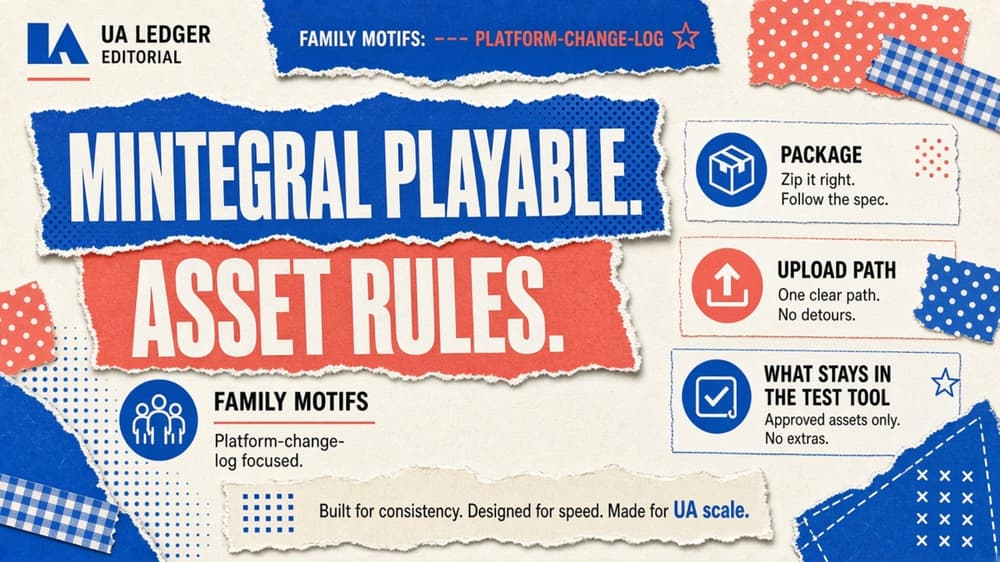
Current Mintegral AppGrowth playable package limits—HTML/ZIP, 5MB, companion assets—and which interaction details live only in the linked Playable Test Guide.
Mintegral’s AppGrowth help centre documents a playable as an HTML package with a hard size ceiling, companion image assets, and a mandatory pass through its Playable Test Guide before delivery. Announcement and per-rule enforcement effective dates are not stated on the cited pages and remain unknown.
What the documentation currently requires
Creative Asset Specifications (last modified 10 September 2026) lists Playable as:
- HTML (single file) with no fixed pixel size, required to render in portrait or landscape.
- Maximum size 5 MB.
- Used for Playable Interstitial and Rewarded Video.
- Notes: upload a main image and app icon alongside the playable file, and see the Playable Test Guide before submitting.
The same table requires 512×512 app icon and 1200×627 or 1200×628 main image (each max 5 MB) for formats that include playable.
Creative Step-by-Step Guide (last modified 12 September 2025) states playable upload format supports URL and ZIP, and playable form supports playable and dynamic endcard. Part 7 instructs operators to load the playable in the test tool, play through the entire experience until the end so methods are exercised, and obtain Test Success before treating the asset as ready.
Playable Test Guide (last modified 14 August 2025) points producers to the external Mindworks/Playturbo testing document and validator rather than restating low-level CTA or embedding APIs on the Mintegral page itself.
What is recommendation or unresolved here
This record does not invent a shared cross-network playable spec. Exact store-open JavaScript call signatures, base64-embedding rules and method checklist labels live in the linked Mindworks testing surface; they are not restated as hard gates on the Mintegral asset-specs page. Account-level approval timing (FAQ text elsewhere mentions longer review for interactive creatives) is not treated as a package rule in this article.
Who should act, and how
Studio playable producers and UA buyers submitting to Mintegral AppGrowth should:
- Keep the playable HTML (or ZIP that yields a locally openable HTML) under 5 MB.
- Ship the required icon and main image with the playable.
- Confirm the build is intended for playable interstitial / rewarded paths, or as a dynamic endcard, as configured in the creative set.
- Run the Playable Test Guide end-to-end and retain a Test Success result before relying on upload alone.
Our editorial inference—not a Mintegral claim—is that packages built for MRAID networks with external asset fetches are high-risk reuse candidates until they pass Mintegral’s own validator.
Applicability table
| Provider / field | Dates | Applies to | Documented change / value | Owner | Next check |
|---|---|---|---|---|---|
| Mintegral AppGrowth — playable file type | Announced unknown; documented 10 Sep 2026 | Playable interstitial / rewarded packages | HTML single file; portrait or landscape | Playable producer | Re-read asset-specs on upload |
| Max size 5 MB | Announced unknown; documented 10 Sep 2026 | Same | ≤5 MB | Playable producer | Weigh package before upload |
| Companion icon + main image | Announced unknown; documented 10 Sep 2026 | Same | 512×512 icon; 1200×627/628 main | Creative ops | Confirm creative-set assets |
| Upload as URL or ZIP; playable or dynamic endcard | Announced unknown; documented 12 Sep 2025 | Creative-set upload | URL/ZIP; playable & dynamic endcard forms | UA buyer | Match offer creative-set config |
| Mandatory Playable Test Guide pass | Announced unknown; documented Aug 2025 / Sep 2025 | Interactive creatives | Play through to Test Success | Producer + AM | Retain test result with ticket |
| Exact CTA / embed API strings on Mintegral page | Unresolved on cited Mintegral pages | — | Deferred to linked Mindworks guide | Producer | From Mindworks PDF/UI if API disputed |
Download the applicability table.
Limits of this record
This article reads Mintegral Help Center articles. It does not inspect a live advertiser account, certify a specific ZIP, or reproduce the full Mindworks method matrix. Announcement and effective dates stay unknown until Mintegral publishes them.