A Playable Ad QA Regression Checklist for SDK Updates
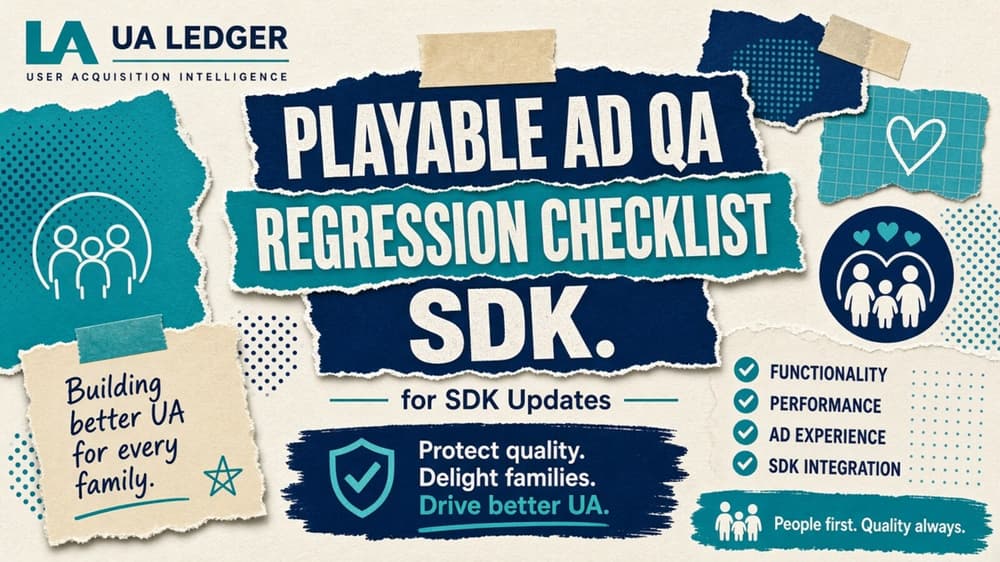
A playable ad QA regression checklist saves a production team from re-testing everything each time a network ships a new SDK version.
A network SDK update lands in the release notes with a short paragraph and no obvious signal about which of a studio's live playables it will touch. Nobody flags it. The safe response, full regression on every unit across every supported network build, also happens to be the expensive one, and most playable production teams cannot afford to run it every few weeks as networks push point releases. A playable ad QA regression checklist that scopes the work to what an SDK update actually changes is the difference between a two-hour check and a two-day one.
Why full regression does not scale
Playable units sit inside a network's rendering environment rather than a browser a team fully controls, which means an SDK update can change touch handling or viewport sizing, shift the order assets load in, or alter how the end card behaves, all without anyone touching the playable's own code.
That dependency explains why teams default to testing everything: nobody wants to be the one who shipped a broken end card after waving through a small SDK change as unrelated. It works. It also hands most of a QA week to low-risk changes, which leaves less room for the updates that genuinely deserve scrutiny.
Scoping the update before testing starts
Read the changelog for category, not detail. Most network release notes fall into a handful of buckets: changes to the rendering engine; changes to ad formats or templates; changes to attribution and the SDK-network handshake; and bug fixes with nothing to do with what a playable draws on screen. Only the first three justify playable-specific regression at all. A changelog entry about attribution timing or install validation rarely touches what a playable renders on screen, and treating it as a full-regression trigger wastes a cycle.
The playable ad QA regression checklist
Once an update looks rendering-relevant, run this sequence rather than a blanket click-through of every unit.
- Orientation and safe zones first. As covered in Playable Ad Orientation and Safe Zones, Nobody Owns, this is the single most common regression point after an SDK rendering change, because viewport handling is exactly what these updates most often touch. Check both orientations on at least one small-screen and one large-screen device profile.
- Touch and gesture responsiveness. Confirm tap targets still register and that drag gestures have not picked up new latency, particularly on any interaction that depends on precise timing, such as a swipe-to-match or drag-to-place mechanic.
- End-card and CTA behaviour. Confirm the store redirect fires and the end card renders at the right size. This is the most commercially costly regression to miss, since a broken end card silently kills conversion without an obvious visual error.
- Asset load order and timing. Check that preloaded assets still appear before the playable asks for interaction, particularly on a throttled connection profile, since a rendering engine change can quietly shift when assets become available.
- Localisation string rendering. Confirm that any market-specific text expansion, as covered in A Localisation Workflow for Playable Ads That Holds, still fits inside its container after the update, since layout engine changes can reintroduce clipping that a prior localisation pass had already fixed.
- Fallback and error states. Confirm the playable degrades to its fallback end card when an asset fails to load, rather than showing a blank or frozen screen, which is the failure mode most likely to go unnoticed until spend has already run against it.
Documenting results so the next update goes faster
A checklist run without a written record only saves time once. Log the outcome of each check against a specific SDK version on a specific network for a specific unit; the second and third updates on that network then turn into a much faster pass, because the team can see straight away whether a new release note describes a change someone already tested against a similar prior update or something genuinely new. Over a few quarters that log starts to show which networks ship rendering-relevant changes disguised as minor version bumps. That is worth knowing when you decide how much benefit of the doubt a future changelog entry from the same source deserves.
Sizing the effort to the risk
A rendering-relevant SDK update on a network carrying a large share of a studio's playable spend justifies the full sequence above across the top two or three live units on that network. A minor point release on a smaller network? Spot-check a single representative unit and escalate only if something looks wrong. Keeping a simple log of which SDK versions someone has already checked against which units avoids running the same regression pass twice when a network re-issues a patch under a slightly different version number, which happens more often than release notes suggest.
Making the checklist someone's job
The checklist only holds if one person owns watching for SDK release notes across every network a studio runs playables on, rather than leaving it to whoever happens to notice a campaign underperforming. That person doesn't need to run every test personally. They do need to be the trigger that starts the scoped checklist above before a change reaches production traffic, and teams without that single owner tend to discover SDK regressions from a CPI spike days after the update shipped, which is a far more expensive way to find information a changelog already provided.
Ownership doesn't have to sit with a senior producer. A junior QA hire who reads release notes on a fixed weekly schedule, runs the scoping question against each entry and escalates only what clears the rendering-relevant bar absorbs most of this workload without pulling a more experienced person off other production work. What matters is the schedule. An SDK update that arrives during a busy launch week is exactly the one nobody gets to when no single person owns catching it regardless of what else sits on the team's plate that day.